You’re looking to make your Brooklyn office run smoother, right? It’s a common goal, and sometimes the most impactful solutions come from integrating technology in ways you might not have considered. Network cabling cameras, often thought of solely for security, can actually be powerful tools for enhancing workflow and boosting productivity when strategically deployed. This article will show you how leveraging your existing network infrastructure can unlock new efficiencies in your Brooklyn workspace.
Understanding the Foundation: Network Cabling as a Productivity Backbone
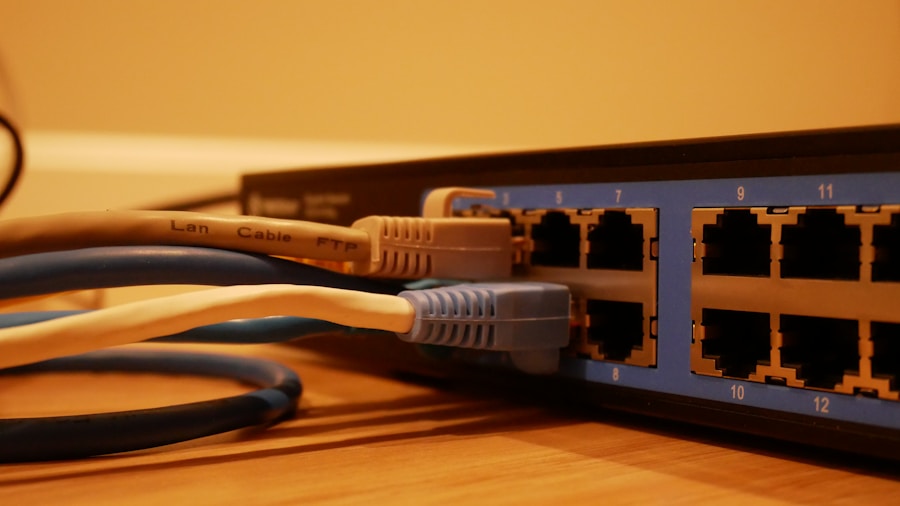
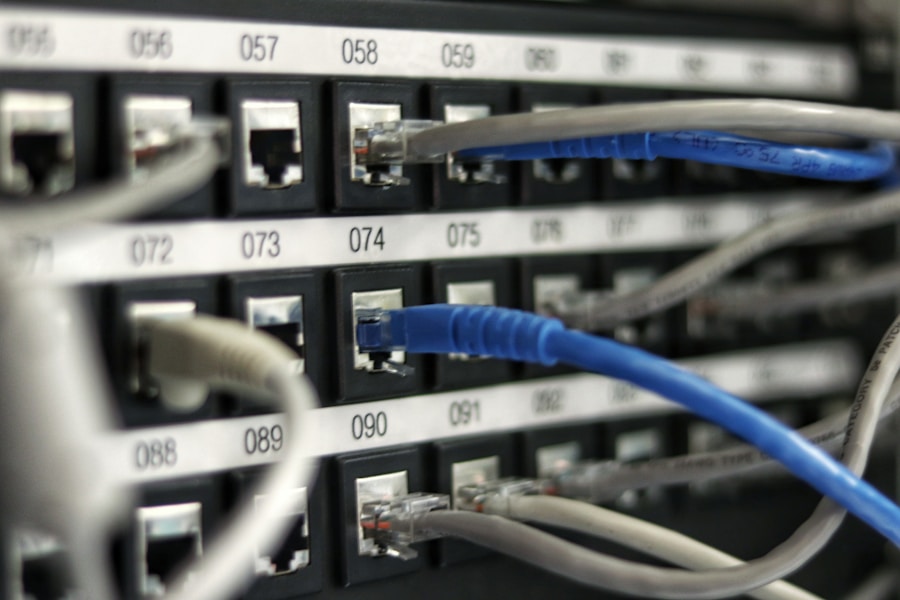
Before we dive into cameras, let’s establish the fundamental role of your network cabling. Think of your network cables as the circulatory system of your office. They carry electricity (data) to all the vital organs – your computers, servers, printers, and importantly, your potential camera systems. A robust and well-managed network infrastructure is not just about speed; it’s about reliability, security, and the capacity to support a growing ecosystem of connected devices. Integrating cameras into this system isn’t an afterthought; it’s an extension of this core functionality, utilizing the existing pathways and power delivery mechanisms.
The Data Highway: Speed and Bandwidth Considerations
When considering any new technology that relies on your network, the first thing to address is the capacity of your data highways. Network cabling, especially modern Cat5e, Cat6, or Cat6a, is designed to handle significant data traffic. Cameras, particularly high-definition ones, can generate a substantial amount of data, especially if you have multiple cameras recording simultaneously.
Assessing Your Current Network Infrastructure
Are your cables rated for the speeds you need? Are there bottlenecks in your network that could slow down the data flow from cameras? This is where a professional assessment becomes valuable. It’s like checking the width of your roads before deciding to add more traffic.
The Importance of Network Segmentation
To prevent camera traffic from impacting your critical business operations, it’s often wise to segment your network. This means creating dedicated pathways or virtual LANs (VLANs) for your camera system. This ensures that your video streams don’t choke the bandwidth needed for client communications or core business applications.
Power Over Ethernet (PoE): Streamlining Installations
One of the most significant advantages of integrating cameras into your network cabling system is the availability of Power over Ethernet (PoE). This technology allows network cables to carry electrical power along with data.
Reducing Cable Clutter and Installation Costs
PoE eliminates the need for separate power outlets near each camera. This not only reduces the visual clutter of excessive wires but also significantly cuts down on installation costs and time. Instead of electricians running power cables, a network technician can simply plug in PoE-enabled cameras.
Simplifying Maintenance and Troubleshooting
When a device needs to be moved or replaced, PoE simplifies the process. You’re dealing with a single cable for both data and power, making diagnostics and replacements much more straightforward. This translates to less downtime and quicker resolutions when issues arise.
Bridging Surveillance and Workflow: Practical Applications of Network Cabling Cameras
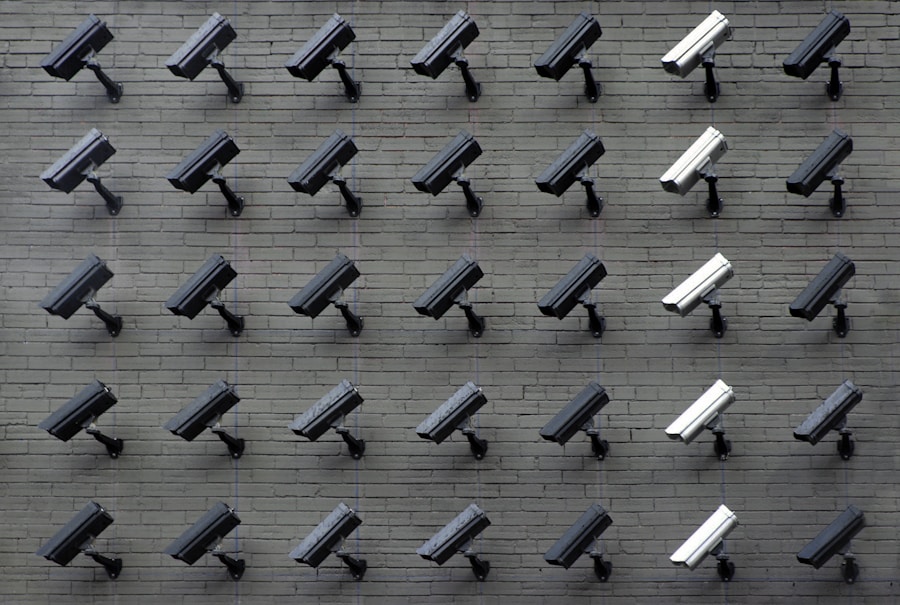
While security is the primary driver for many camera installations, the insights gained from their data streams can be repurposed to significantly enhance operational efficiency. Think of these cameras not just as watchful eyes but as data-gathering instruments that can provide a bird’s-eye view of your operational landscape.
Enhancing Operational Visibility and Oversight
Having a visual record of your office’s activities can reveal bottlenecks, inefficient processes, and areas where workflow can be optimized. This goes beyond simply looking for security breaches. It’s about understanding the ebb and flow of your daily operations.
Identifying Workflow Bottlenecks
Observe common areas where work tends to slow down. Are employees spending too much time waiting for documents at a certain desk? Is there a congestion point in a particular department? Cameras can provide objective evidence of these issues, allowing you to address them systematically.
Optimizing Resource Allocation and Staffing
By observing employee movement and activity patterns, you can gain a clearer understanding of how your staff interacts with their environment and with each other. This can inform decisions about desk placement, team collaboration zones, and even staffing levels during peak hours. For example, you might notice that a particular task consistently takes longer than anticipated during certain times, suggesting a need for additional support or a process review.
Improving Training and Onboarding Processes
The visual evidence captured by network cameras can be an invaluable tool for training new employees and refining existing training programs. It offers a real-world context that textbooks or theoretical explanations often lack.
Demonstrating Best Practices in Action
Instead of relying solely on verbal instruction, you can use footage of experienced employees performing tasks correctly. This provides a tangible example of desired behaviors and techniques, making it easier for new hires to grasp expectations. This is particularly useful for tasks that involve physical interaction with equipment or specific customer service protocols.
Analyzing Training Effectiveness
By observing new employees during their initial weeks, you can identify areas where they might be struggling. This allows for targeted intervention and additional training before minor issues become major problems. It’s a proactive approach to ensuring a smooth and successful onboarding experience.
Leveraging Network Camera Data for Performance Analysis
The data streams from your network cameras are more than just passive recordings; they are rich sources of information that can be analyzed to improve individual and team performance. This requires a thoughtful approach to data collection and analysis, moving beyond simple surveillance.
Monitoring Task Completion and Efficiency
Rather than focusing on an individual employee’s time, consider analyzing the flow of a specific task. Where are the delays occurring? Are there repetitive actions that could be streamlined? Cameras can reveal these granular details.
Tracking the Movement of Goods or Information
In certain Brooklyn offices, especially those involved in logistics or handling important documents, tracking the physical movement of items can reveal inefficiencies. Are inter-office mail pouches getting delayed? Is a critical document sitting on a desk for too long before being processed?
Observing Process Synchronization
For teams working collaboratively on projects, cameras can help illustrate how well their individual tasks are synchronized. Are team members waiting for input from others more often than necessary? Can the workflow be adjusted to minimize these dependencies?
Facilitating Collaboration and Communication Audits
A well-placed camera can offer insights into how teams are interacting and communicating. While not a substitute for direct feedback, visual cues can highlight opportunities for improvement.
Assessing Team Interaction Dynamics
Observe how team members interact during meetings or collaborative work sessions. Are there individuals dominating conversations, or are certain voices being underrepresented? This can inform strategies for more inclusive and effective teamwork.
Identifying Communication Breakdowns
Sometimes, a lack of communication is the root cause of a workflow issue. Visual evidence might show that information isn’t reaching the right people in a timely manner, or that assumptions are being made due to a lack of clear information sharing.
Technical Considerations for Network Cabling Camera Integration
Implementing network cabling cameras isn’t a plug-and-play scenario for optimal results. Careful planning and consideration of technical aspects are crucial for a seamless integration that truly boosts productivity.
Choosing the Right Camera Hardware
The type of cameras you choose will directly impact the quality of the data you can collect and how it can be utilized. Beyond resolution, consider features that align with your workflow goals.
Camera Resolution and Field of View
High-resolution cameras provide clearer images, which are essential for identifying fine details relevant to workflow analysis. The field of view needs to be appropriate for the area being monitored, ensuring comprehensive coverage without unnecessary blind spots or excessive overlap.
Frame Rate and Recording Capabilities
A higher frame rate (frames per second) will provide smoother video and better capture of fast-moving actions, which is important for analyzing dynamic workflows. Ensure your recording system has the capacity to store the volume of footage generated without compromising performance.
Network Bandwidth Management and Storage Solutions
As mentioned earlier, the data generated by cameras can be significant. Proper bandwidth management and adequate storage are non-negotiable.
Bandwidth Allocation and Prioritization
As part of your network segmentation strategy, you’ll need to dedicate sufficient bandwidth to your camera system. This often involves configuring Quality of Service (QoS) settings on your network devices to prioritize video traffic.
Scalable Storage Options
Consider your long-term data storage needs. Cloud-based solutions offer scalability and accessibility, while on-premises Network Attached Storage (NAS) or Digital Video Recorders (DVRs) provide more immediate control. The choice will depend on your budget, data retention policies, and IT infrastructure.
Data Privacy and Ethical Considerations
| Metrics | Data |
|---|---|
| Increased Data Transfer Speed | Up to 10 Gbps |
| Improved Network Reliability | 99.9% uptime |
| Enhanced Security | Advanced encryption |
| Remote Monitoring Capabilities | 24/7 access |
| Reduced Downtime | Minimized disruptions |
While the productivity benefits are clear, it is paramount to address the ethical implications and ensure compliance with data privacy regulations. Neglecting this can lead to significant legal and reputational damage.
Transparent Policies and Employee Communication
Open and honest communication with your employees is essential. Clearly explain why cameras are being installed and how the data will be used.
Establishing Clear Usage Guidelines
Develop a written policy outlining the specific purposes for which camera footage will be reviewed and who will have access to it. This policy should be readily available to all staff.
Focusing on Workflow, Not Employee Surveillance
Emphasize that the primary goal is to improve processes and efficiency, not to micromanage or monitor individual employee performance in a punitive way. The focus should be on observable behaviors directly related to workflow and operational efficiency.
Compliance with NYC and Federal Privacy Laws
New York City and federal laws govern the use of surveillance technology and the collection of personal data. Ignorance of these regulations is not a valid defense.
Understanding Relevant Regulations
Familiarize yourself with laws like the New York State Shielded Camera Law, General Data Protection Regulation (GDPR) if you have any international clients or employees, and other applicable privacy legislation. Consulting with a legal professional specializing in data privacy is highly recommended.
Anonymization and Data Minimization Techniques
Where possible, consider anonymizing data or using techniques that minimize the collection of personally identifiable information. For example, if you’re analyzing traffic flow in a hallway, you might not need to identify individual employees.
By thoughtfully integrating network cabling cameras and focusing on their data-driven potential, your Brooklyn office can move beyond traditional security applications and unlock significant gains in workflow efficiency and overall productivity. It’s about harnessing the silent witnesses in your space to build a smarter, more effective working environment.